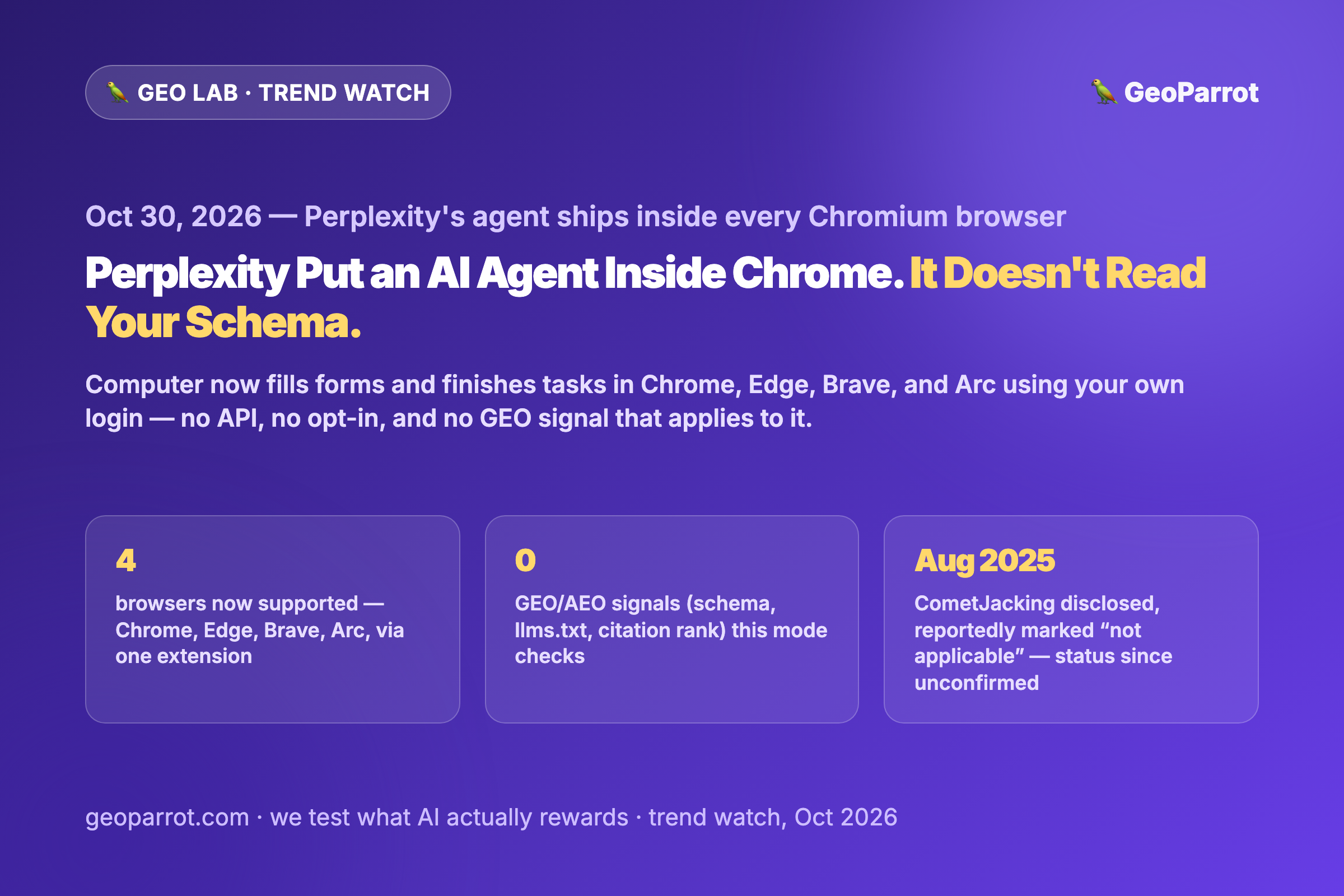
Quick answer: On October 30, 2026, Perplexity CEO Aravind Srinivas announced that Computer — Perplexity’s computer-use agent, previously built into its own Comet browser — now ships as a free Chrome Web Store extension that works inside Chrome, Edge, Brave, Arc, and other Chromium browsers. It opens sites, reads pages, fills forms, and finishes tasks like bookings, sign-ups, and applications using the tabs and logins you already have, not an API call. That matters for publishers because it’s not the same thing as a citation, a WebMCP call, or a Connected Apps Platform integration — it’s an agent clicking through your page the way a person with a mouse would, inside someone else’s logged-in session. None of the GEO work we track (schema, llms.txt, hygiene score, citation rank) was built for, or has been shown to affect, this mode at all. The separate, unresolved question is security: a prompt-injection flaw in Comet called CometJacking was disclosed to Perplexity in August 2025 and, per the researchers’ published account, dismissed as having no security impact. Whether that specific issue is still live is something we can’t confirm from this desk — but putting the same agent inside every Chromium browser widens who it would affect if it is.
Trend watch — published October 31, 2026, in the GEO Lab. Most days we’re testing our own citation experiments; today’s story isn’t about citation at all, which is itself the point.
What did Perplexity actually ship on October 30?
Srinivas posted on X that “Perplexity Computer can now control your Google Chrome browser from the Perplexity Mac and Windows app,” linking a new Chrome Web Store extension. Its listing describes the extension as letting Computer “open sites, read pages, fill forms, and finish tasks in the tabs you already use” — including sites that require login, like a billing dashboard, and multi-step flows like applications, sign-ups, bookings, and order forms. The extension (version 0.0.6 at the time we checked) supports Chrome, Edge, Brave, and Arc; Comet users don’t need it because the same capability already ships inside Perplexity’s own browser. The listing states Computer acts “only when you start a task, and only in the browser you pointed it at,” and Perplexity says the data it handles — which can include authentication information and page content — isn’t sold to third parties outside approved use cases. The product framing is narrow and useful: an agent that does the clicking inside your own session, instead of you doing it, or an API doing it for you.
Why doesn’t any GEO or AEO checklist apply to this mode?
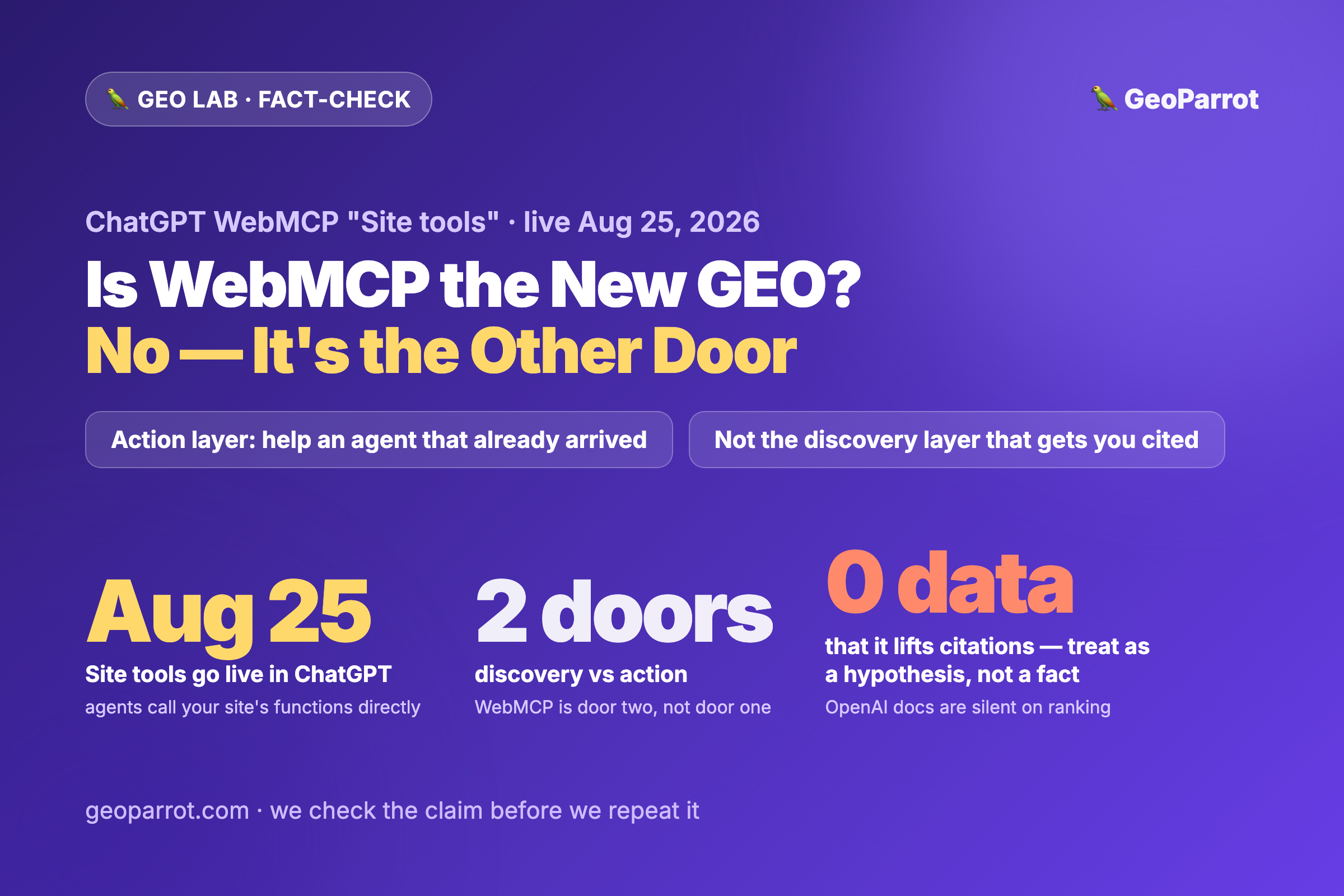
Because it isn’t selection, and it isn’t an opt-in integration — it’s automation of a page the agent is already allowed to see, through a login that belongs to the person running the task. We’ve mapped three other doors this quarter: WebMCP / Site Tools (a site exposes explicit tools an agent can call), the Universal Commerce Protocol (standardized checkout, not a ranking signal), and the Connected Apps Platform (a business registers an app so Gemini and Search can call it). All three require the publisher to build or register something. Computer-in-Chrome requires nothing from the publisher at all: it reads the rendered DOM and clicks the same buttons a human would, the same way a screen reader or an accessibility-testing tool does. There’s no schema it checks, no llms.txt it reads, and no citation list it’s choosing from — our hygiene-score work and the rank-retention data we’ve published are both about what gets selected into an AI-generated answer, a different event from an agent operating your checkout form on a user’s behalf. The property that actually matters here is closer to accessibility than SEO: clearly labeled form fields, buttons with real text instead of icon-only controls, and no JS-only interaction pattern that only renders correctly after a mouse hover. That’s a legitimate thing to audit. It is not a GEO signal, and treating it as one is the mistake to avoid.
What’s the actual security question, and what do we not know?
Here’s what’s documented. In August 2025, researchers at LayerX (since acquired by Akamai) disclosed a flaw they called CometJacking: a crafted URL could embed instructions in its query string that Comet’s agent would interpret as commands rather than page content, triggering it to search connected services like Gmail and Calendar and exfiltrate data, including by base64-encoding the output to slip past Perplexity’s own exfiltration checks. Per the researchers’ published writeup, Perplexity’s response to the disclosure was that it “could not identify any security impact,” and the report was marked not applicable — with no patch described in that account. We have not found a 2026 update confirming whether the underlying prompt-injection surface was separately closed since then, so we’re not asserting it’s still exploitable today — only that the public record we could verify shows it was disclosed, downplayed, and (as far as we can tell) not clearly resolved. What changed this week is the blast radius if it is: the same agent that used to require installing Perplexity’s own Comet browser is now one Chrome Web Store install away inside Chrome, Edge, Brave, or Arc — browsers far more people already have open, with far more logged-in sessions already sitting in those tabs.
What should a publisher or marketer actually do about this?
Don’t fold this into your GEO/AEO checklist. Schema, llms.txt, and citation-rank work govern whether your content gets selected into an AI-generated answer. Computer-in-Chrome doesn’t select anything — it operates a page a logged-in user already reached. Keep the two workstreams, and the two sets of metrics, separate.
If anything, treat this as an accessibility audit, not an SEO one. Check that your forms have real labels, your buttons have real text (not icon-only controls with no accessible name), and your key flows don’t depend on a hover state or a JS interaction that only fires on a human-timed click pattern.
Re-check any hidden or off-screen text on your pages. The same CSS tricks that make keyword-stuffed hidden text an AI-slop problem for citation also make a page a more plausible prompt-injection target for an agent reading the DOM — audit for `display:none` or off-canvas blocks that contain anything that reads like an instruction, not just anything that reads like a keyword.
Don’t report “an agent filled out our form” as an AI-visibility win. It’s user-directed automation, not model selection or recommendation — a different event from being cited in an AI Overview or recommended by ChatGPT, and it shouldn’t go in the same dashboard cell.
Frequently asked questions
What did Perplexity announce on October 30, 2026?
Perplexity shipped a Chrome Web Store extension that lets its Computer agent control Chrome, Edge, Brave, and Arc from the Perplexity Mac and Windows app — opening sites, reading pages, filling forms, and finishing tasks using the browser tabs and logins the user already has, without requiring Perplexity’s own Comet browser.
Does this affect my site’s GEO or AEO strategy?
No, not in the sense of citation or selection. Schema, llms.txt, and citation-rank work govern whether an AI answer picks your content as a source. Computer-in-Chrome is an agent operating a page on behalf of a logged-in user — a different mechanism with no publisher opt-in and no known relationship to citation signals.
Is there a known security risk with Perplexity’s browser agent?
LayerX (now part of Akamai) disclosed a prompt-injection flaw in Comet called CometJacking in August 2025, where a crafted URL could trigger the agent to exfiltrate data from connected services. Per the researchers’ account, Perplexity marked it not applicable with no described patch. We could not confirm its current status as of this writing; what’s new this week is that the same agent now reaches far more browsers than Comet alone did.
What should I actually check on my site because of this?
Treat it as an accessibility and page-hygiene check, not a GEO one: labeled form fields, real button text, no hover-only interactions, and no hidden or off-screen text blocks that could be misread by an agent parsing the page as instructions.

Leave a Reply