
Quick answer: in GA4, go to Reports, then Traffic acquisition, switch the dimension to Session source / medium, and filter with the regex chatgpt\.com|chat\.openai\.com. That catches both the referral traffic and the auto-tagged utm_source=chatgpt.com visits. The steps below make it permanent and explain the traffic you still cannot see.
What ChatGPT traffic actually looks like in GA4
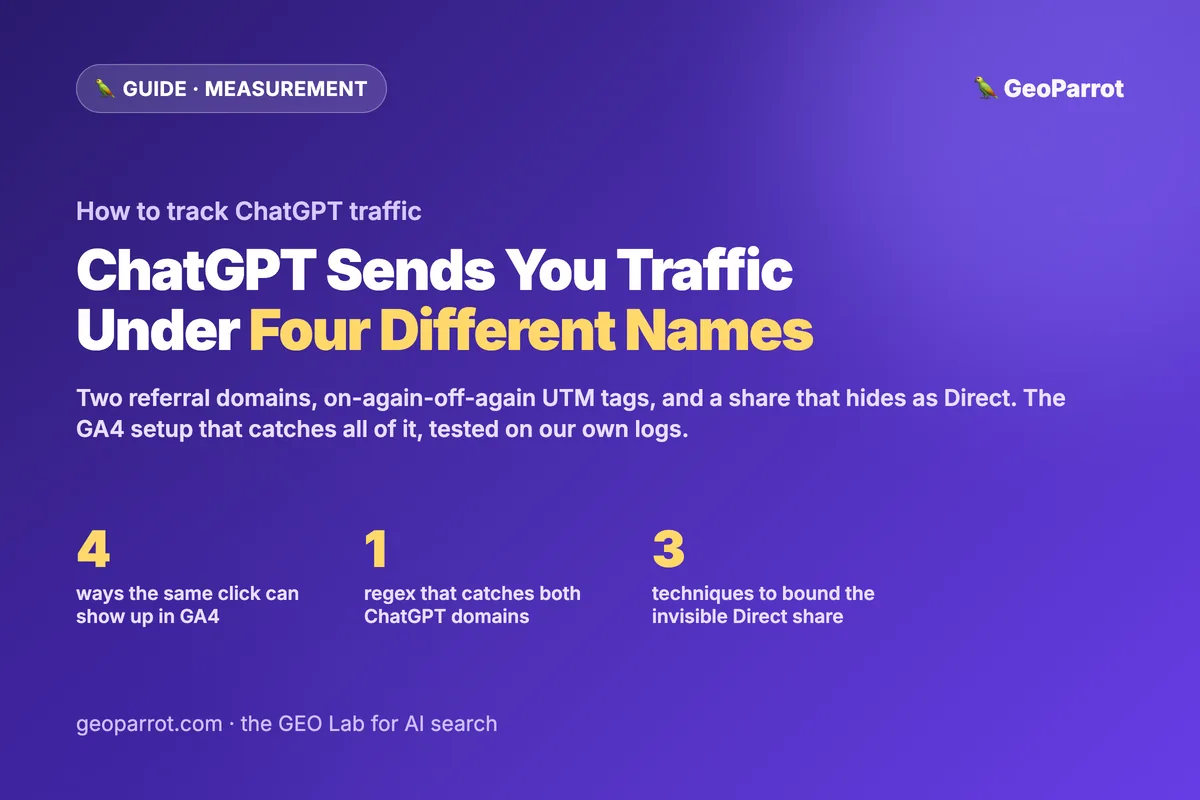
There is no single ChatGPT row. Depending on which ChatGPT surface the click came from, the same visitor can arrive under different labels:
| How it arrives | Session source / medium | When |
|---|---|---|
| Referral, current domain | chatgpt.com / referral | Most web clicks since the chatgpt.com domain move |
| Referral, legacy domain | chat.openai.com / referral | Older surfaces and cached references; a shrinking tail |
| Auto-tagged UTM | chatgpt.com / (various) | When OpenAI appends utm_source=chatgpt.com to the outbound link |
| Stripped referrer | (direct) / (none) | Some app and in-conversation clicks that pass no referrer at all |
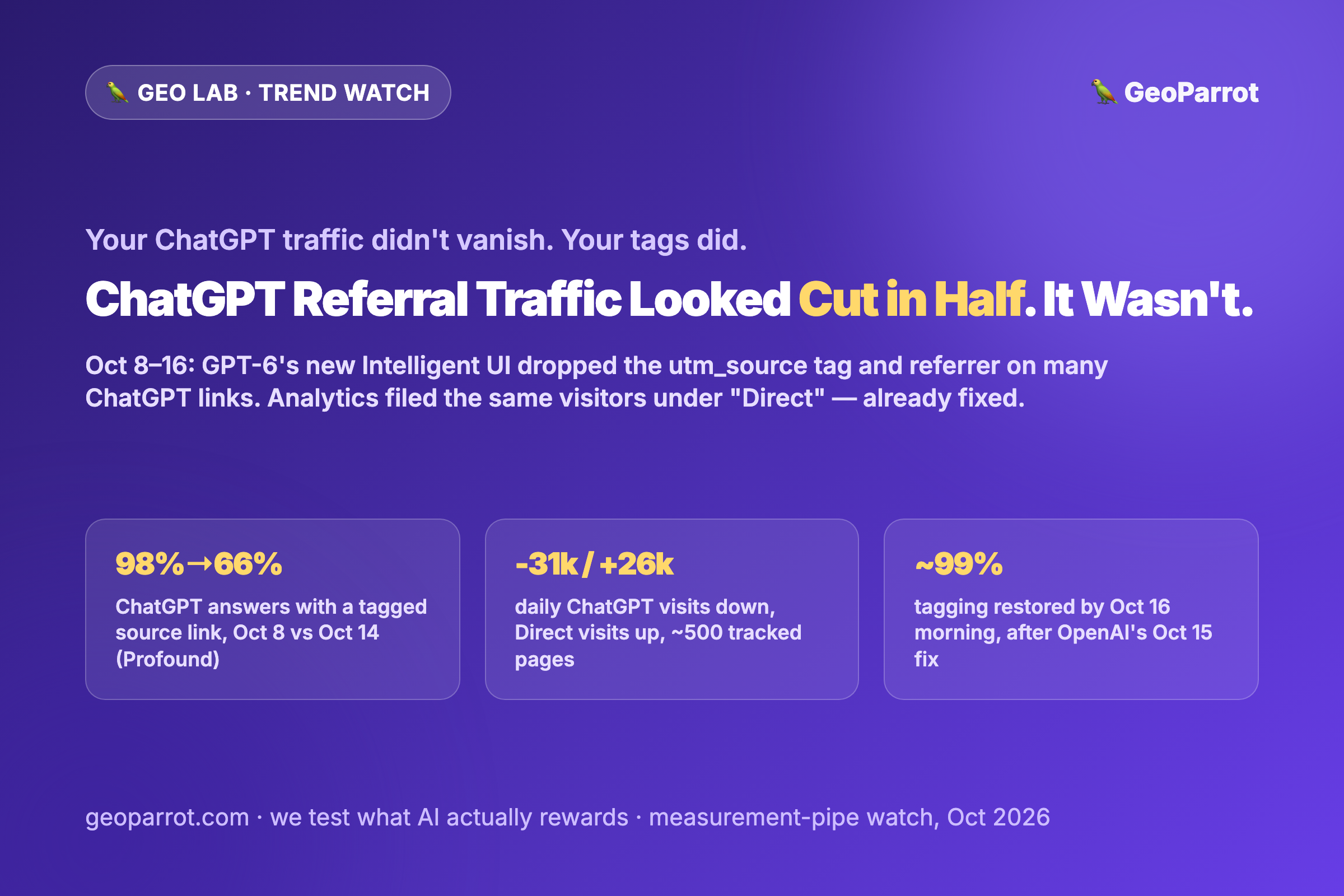
The auto-tagging is the unreliable part. OpenAI has added utm_source=chatgpt.com to outbound links on some surfaces and not others, and we have documented it disappearing from new UI variants: our test of the missing UTM tags in ChatGPT’s newer interface found clicks landing with no tags that earlier UIs tagged. Build your tracking on the referrer domains, and treat the UTMs as a bonus signal, not the foundation.
Step-by-step GA4 setup
- Quick view (no configuration): Reports, Acquisition, Traffic acquisition. Change the primary dimension to Session source / medium, click the search box, and paste
chatgpt. This shows sessions, engagement, and conversions for both ChatGPT domains in seconds. - Reusable exploration: in Explore, create a free-form table with Session source / medium, Landing page + query string, and your key events. Add a filter: Session source matches regex
.*chatgpt\.com|.*chat\.openai\.com. The landing page dimension is the payoff: it tells you which specific pages ChatGPT is citing, which is the closest you get to seeing the prompts. - Custom channel group (optional but durable): Admin, Data display, Channel groups. Create a channel named AI referrals with the condition Session source matches the regex covering ChatGPT plus the other AI platforms. Fresh sessions are then classified automatically in every standard report. Our AI referral regex generator outputs a maintained pattern covering ChatGPT, Perplexity, Gemini, Claude, and Copilot so you do not hand-maintain the list.
- Alerting: set a custom insight on sessions where source contains chatgpt rising or falling sharply week over week; citation gains and losses show up here before anywhere else.
The part you cannot see, and how to bound it
Some ChatGPT clicks pass no referrer: certain app surfaces, privacy settings, and link handling paths drop it, and those sessions land in (direct) / (none), indistinguishable from bookmark traffic. You cannot recover them individually, but you can bound the effect honestly:
- Watch Direct landing pages. Direct sessions landing on deep informational pages (not your homepage) that coincide with new ChatGPT citations are usually leaked AI traffic. A step change in Direct to one specific article is a tell.
- Use server logs as the leading indicator. ChatGPT-User fetches (OpenAI’s live-retrieval agent) appear in your access logs with a clear user agent, often minutes before the human clicks through. Rising fetches with flat GA4 referrals suggests the referrer is being dropped, not that interest fell. Being fetchable in the first place requires your ChatGPT robots.txt settings to allow OAI-SearchBot and ChatGPT-User.
- Compare platforms with the same ruler. Every AI assistant leaks a different share to Direct, so judge trends per platform rather than comparing absolute session counts across them.
For the multi-platform version of this setup covering Perplexity, Gemini, Copilot and the rest in one view, start from our pillar guide to tracking AI search traffic in GA4; this article is the ChatGPT-specific deep dive on top of it.
Reading the numbers without fooling yourself
ChatGPT referral counts are small for almost every site; what makes them worth tracking is quality and direction. In most datasets we have examined, AI assistant referrals show higher engagement than search average, because the assistant pre-qualified the click with context. Track three things monthly: sessions (direction, not size), engaged session rate versus your organic baseline, and which landing pages earn citations. A page suddenly earning ChatGPT referrals is evidence worth acting on: it tells you what that model considers citable, and that pattern usually generalizes to your other content.
Frequently asked questions
Why does my ChatGPT traffic show as Direct?
Because some ChatGPT surfaces pass no referrer header when opening links. Those sessions are technically untraceable; GA4 files anything without a referrer or UTM under (direct) / (none). The bounding techniques above (Direct landing-page analysis and server-log fetches) estimate the hidden share.
Should I track chat.openai.com or chatgpt.com?
Both. The product moved to chatgpt.com, which now carries most referrals, but the legacy domain still appears. A regex covering both costs nothing and future-proofs the report against the tail.
Can I see which prompts or questions sent the traffic?
No. ChatGPT does not pass conversation content, and there is no Search Console equivalent for it. The landing page is your proxy: if your pricing comparison page earns ChatGPT referrals, the prompts were almost certainly pricing comparisons.
Does ChatGPT traffic convert?
Measure it in your own data with the exploration above; patterns vary by niche. The consistent finding across published datasets is higher engagement per session than average, with absolute volume still far below organic search for most sites.
How do I get more ChatGPT traffic in the first place?
Be citable: allow OAI-SearchBot in robots.txt, publish content that answers specific questions with first-hand data, and check whether ChatGPT already cites competitors for your core queries. Tracking tells you the score; citation work moves it.




Leave a Reply