Why measure this carefully: a referral that GA4 can identify is useful evidence, but it is not a complete count of AI-assisted discovery. Some click-throughs preserve a referrer, while others may be attributed differently or arrive as Direct. Treat this report as attributable AI referral traffic, compare its engagement and conversions with other channels, and avoid borrowing a conversion-rate benchmark from another site.
Attribution path
1. AI answer A reader chooses a cited link.
→
2. Referrer may pass GA4 can record a source when one is supplied.
→
3. Compare outcomes Review sessions, engagement and conversions.
Important: no referrer does not mean no AI influence; it means the visit cannot be confidently grouped as an AI referral in GA4.
Step 1: Know the AI referral domains
When an AI product passes a referrer on click-through, it can appear in GA4. Check the raw source values in your own property before adding any domain to a reporting rule:
chatgpt.com / chat.openai.com (ChatGPT)
perplexity.ai (Perplexity)
gemini.google.com (Gemini)
copilot.microsoft.com / bing.com (Copilot)
claude.ai (Claude — growing B2B referral share in 2026)
AI engines, referral domains, and GA4 regex tokens
AI engine
Referral domain(s)
GA4 source regex token
Notes
ChatGPT
chatgpt.com, chat.openai.com
chatgpt|openai
Verify in your own property; source values can change
Perplexity
perplexity.ai
perplexity
Confirm the recorded source before grouping
Google Gemini
gemini.google.com
gemini
Do not combine with Google organic without validating the source
Microsoft Copilot
copilot.microsoft.com, bing.com
copilot
Keep distinct from Bing organic unless your data supports grouping
Claude
claude.ai
claude
Include only if the domain appears in your data
Copy the tokens into one regex: chatgpt|openai|perplexity|gemini|copilot|claude
Step 2: Build the view in GA4
Open Explore → Free form.
Add the dimension Session source / medium (or Session source).
Add metrics like Sessions and Engaged sessions.
Apply a filter where Session source matches a regex such as chatgpt|openai|perplexity|gemini|copilot|claude.
Save it as a reusable report you check weekly.
For a permanent solution, create a custom channel group in Admin with a channel named “AI Search” using the same source rules — then it shows up alongside Organic and Direct.
Step 3: Watch the right signals
Volume trend — is AI-referred traffic growing month over month?
Engagement — AI visitors often arrive with high intent; check engaged sessions and conversions.
Landing pages — which pages earn AI clicks? Do more of what works.
A caveat on accuracy
This undercounts. Some AI tools strip referrers, some answers cite you without a click at all (you got the brand impression but no visit), and domains change. Treat GA4 numbers as a directional floor, not a precise total — and pair them with manually checking whether engines cite you.
AI referrer domains are an implementation list, not an official census. Review raw source and medium values in your property and document the domains you include.
Frequently asked questions
Why don’t I see ChatGPT traffic at all?
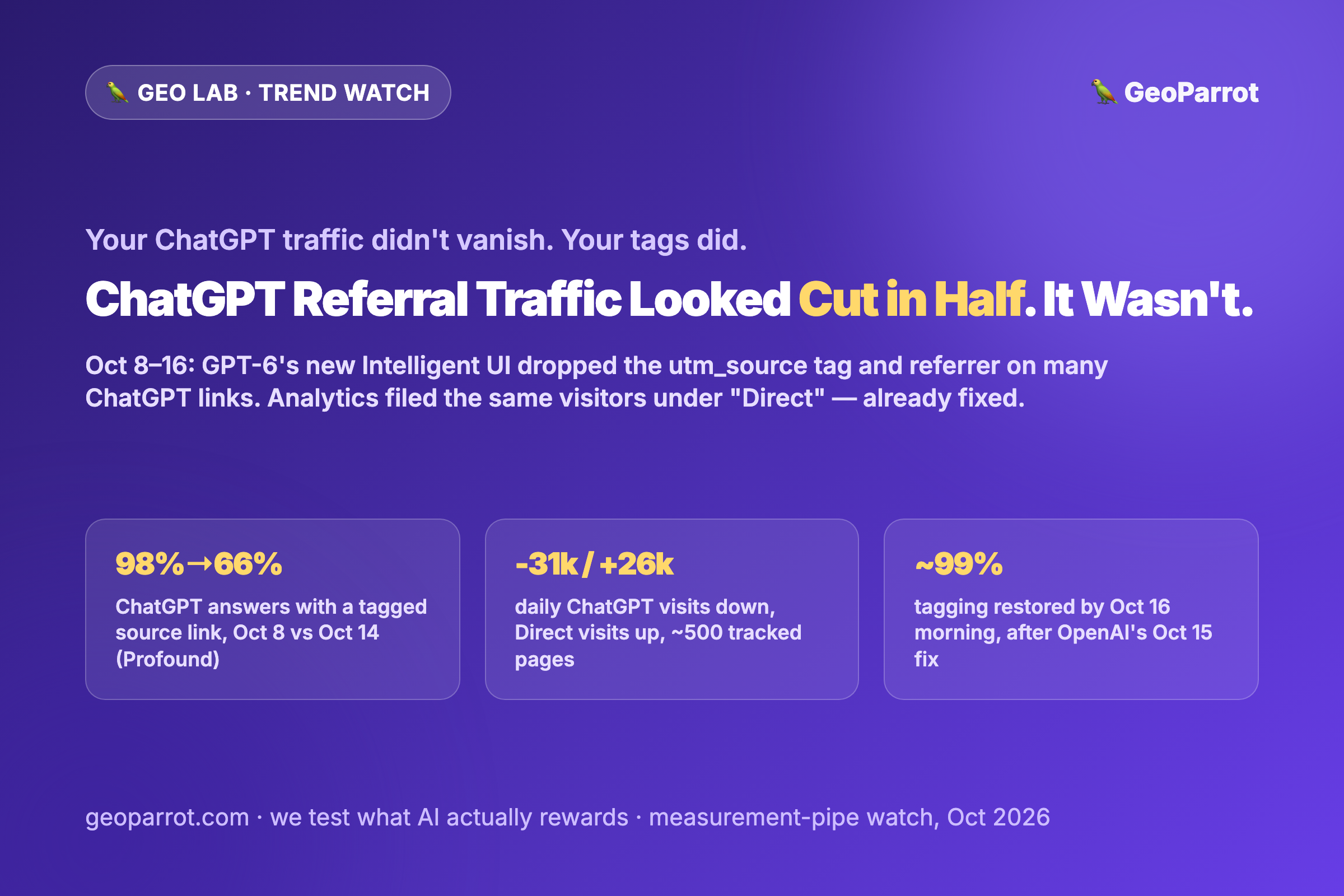
It may be small, grouped under Direct (no referrer), or your content isn’t being cited yet. Build citations first — see getting cited by ChatGPT.
Can I see citations that didn’t get a click?
Not in GA4 — analytics only sees visits. For zero-click citations, query the engines directly and track mentions over time.
What regex should I use to track AI search traffic in GA4?
Use a Session source filter or custom channel-group condition. Rather than maintaining a hand-written list, generate a current, copy-ready pattern with our AI Referral Regex Generator; it includes the main AI assistants that pass referrers and lets you add domains as the list changes.
Should AI Search be its own channel in GA4?
Yes. Building a custom channel group with an “AI Search” channel (using the regex above) makes AI traffic show up next to Organic and Direct in standard reports, so you don’t have to rebuild an exploration every time. Set it in Admin → Data settings → Channel groups.
The bottom line
A simple GA4 exploration filtered to AI referral domains turns GEO from a guess into a measurable channel. Set it up once, watch the trend, and double down on the pages AI loves to cite.





Leave a Reply