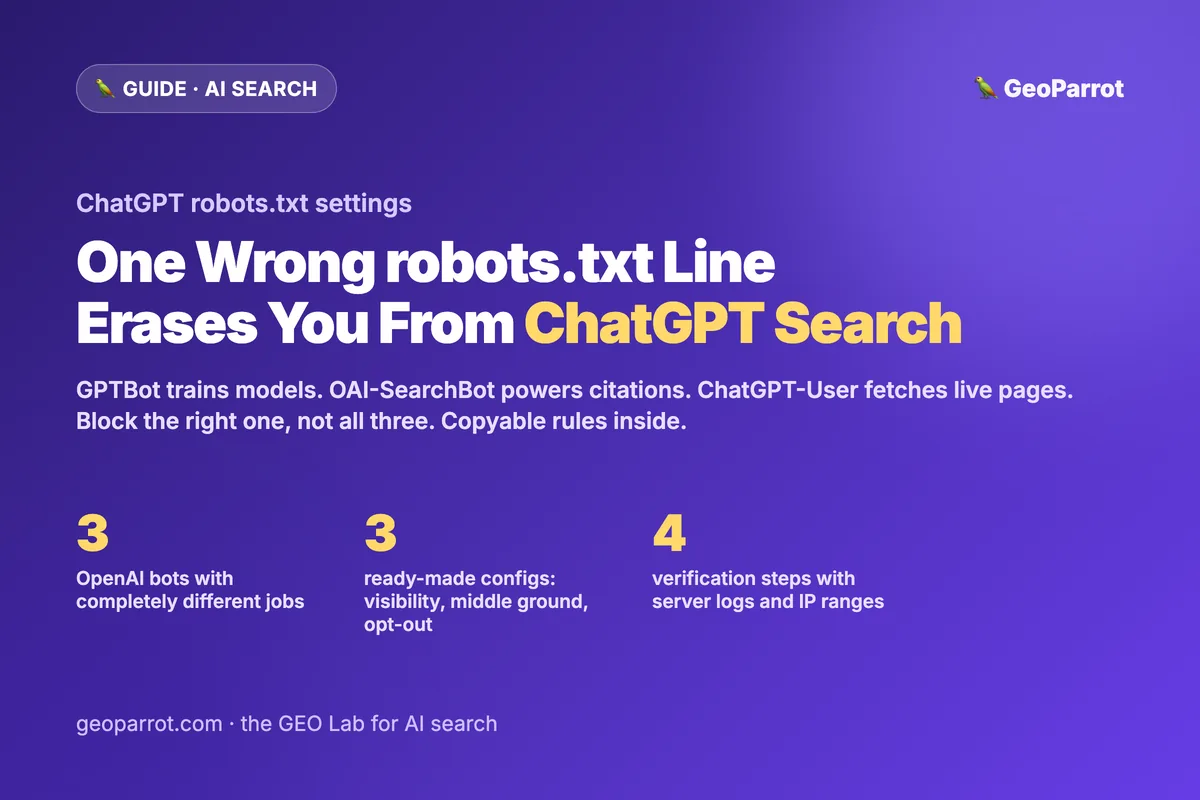
Quick answer: OpenAI operates three crawlers with different jobs. GPTBot collects content for model training. OAI-SearchBot indexes pages for ChatGPT search results. ChatGPT-User fetches a page live when a user asks about it. If you want ChatGPT citations but no training, block GPTBot and allow the other two.
The three OpenAI bots, side by side
User agent
What it does
If you block it
GPTBot
Crawls the web to collect training data for future OpenAI models
Your content stays out of future training sets. No effect on ChatGPT search visibility
OAI-SearchBot
Builds and refreshes the index behind ChatGPT search
Your pages stop appearing and being cited in ChatGPT search answers
ChatGPT-User
Fetches a specific URL in real time when a user asks ChatGPT to read or summarize it
Users get an error when they paste your links into ChatGPT; live browsing answers exclude you
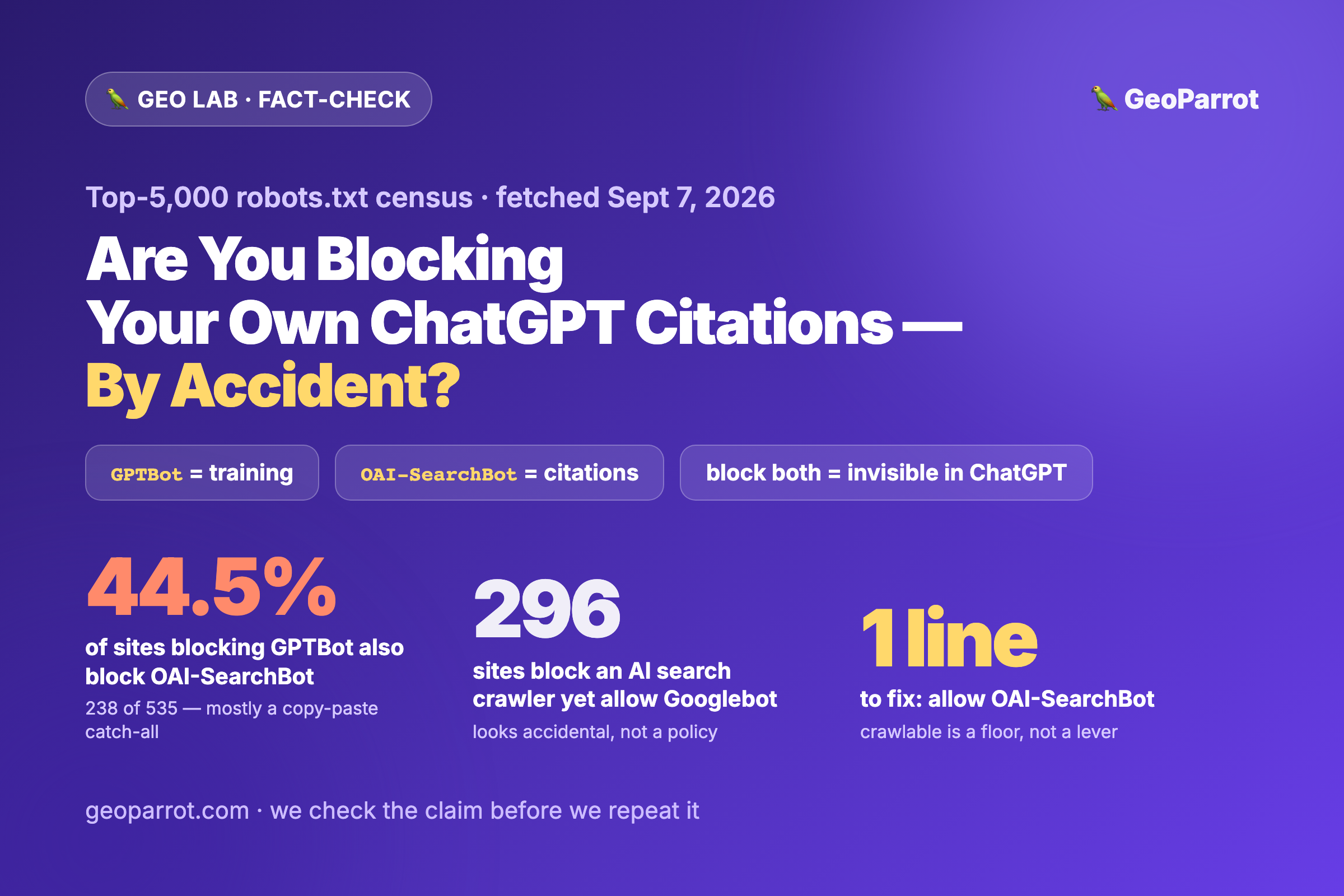
The names are the trap. Site owners who want to opt out of AI training frequently write one block rule for everything that mentions OpenAI, and in doing so also remove themselves from ChatGPT search. We have documented this pattern repeatedly in our brand audits: a site blocking AI citations by accident through a robots.txt written for a different purpose, and the broader training opt-out vs citation risk trade-off.
Three ready-made configurations
1. Maximum visibility (most marketing sites)
Allow everything. You accept training use in exchange for full presence in ChatGPT answers. If your robots.txt does not mention these bots at all, this is already your effective policy; the explicit version just documents intent:
Blocks training, search indexing, and live fetches. Understand the cost before shipping this: zero ChatGPT visibility, and users who paste your URL into ChatGPT get nothing.
You can also scope any of these to directories instead of the whole site, for example disallowing only /premium/ for OAI-SearchBot while leaving the blog open. For rules covering the other AI platforms too (Anthropic, Perplexity, Google-Extended, Meta and others), our AI crawler robots.txt generator assembles the full file interactively.
How to verify it is working
Check the file is live: open yourdomain.com/robots.txt in a browser; the rules must appear exactly as written, with each User-agent group separated by a blank line.
Watch your server logs: the three user agents identify themselves by name in the UA string. GPTBot traffic should stop within days of a Disallow; OAI-SearchBot keeps visiting if allowed.
Confirm genuine OpenAI traffic: OpenAI publishes the IP ranges each bot crawls from (openai.com/gptbot.json and equivalents). Log entries claiming to be GPTBot from other IPs are spoofers, and robots.txt means nothing to them.
Spot-check ChatGPT itself: ask ChatGPT search a question your site answers well and see whether you are cited; changes to OAI-SearchBot rules take time to propagate through the index.
What robots.txt cannot do here
robots.txt is a published request, not an access control. Compliant crawlers like OpenAI’s honor it; scrapers ignore it. It also is not retroactive: disallowing GPTBot today does not remove anything already used for training. And blocking at the CDN or firewall level is stronger but blunter; a WAF rule that swallows ChatGPT-User also breaks every legitimate user who pastes your link into a chat. Decide the policy first, then pick the weakest enforcement that achieves it.
Frequently asked questions
Does blocking GPTBot remove my site from ChatGPT?
No. GPTBot only gathers training data. ChatGPT search visibility runs through OAI-SearchBot and live fetches through ChatGPT-User; both keep working with GPTBot blocked. This separation is exactly why OpenAI split the bots.
Will blocking GPTBot remove my content from the current models?
No. robots.txt affects future crawling only. Content already collected in past training runs stays in existing models; the block limits what future models learn from your site.
Do I need to list ChatGPT-User if I allow everything?
No. Absent rules mean allowed; explicit Allow lines are documentation, not a requirement. Listing all three bots explicitly is still useful because it makes your AI policy auditable at a glance.
Is there a crawl-delay or rate limit option?
OpenAI’s documentation does not commit to honoring Crawl-delay. If crawl volume is a real problem, scope Disallow rules to the heavy sections, or rate-limit the published OpenAI IP ranges at your server rather than relying on robots.txt.
Do other AI companies follow the same three-bot pattern?
Increasingly, yes: Anthropic (ClaudeBot and Claude-User), Perplexity (PerplexityBot and Perplexity-User), and Google (Googlebot vs Google-Extended for training) all separate search or user fetching from training collection. The allow-citations, block-training pattern translates across platforms with the same logic.



Leave a Reply