
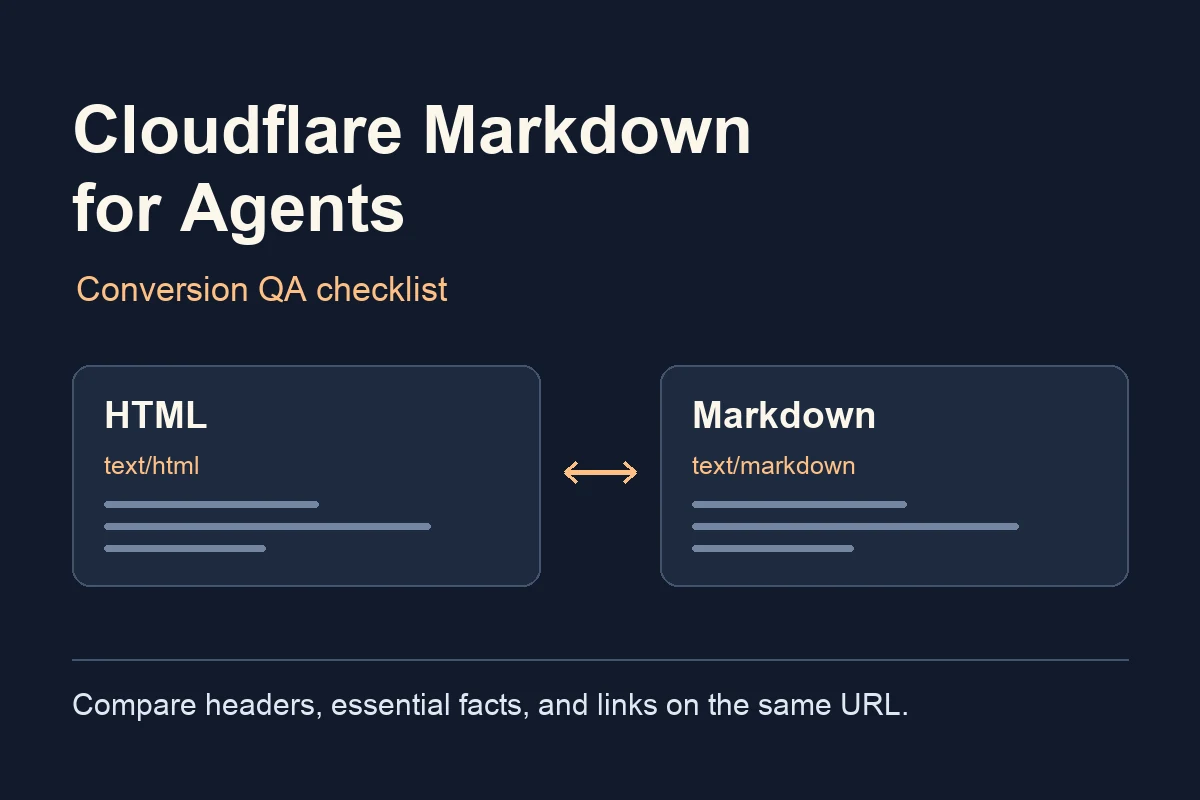
Cloudflare’s Markdown for Agents gives clients a way to request a Markdown version of a public HTML page at the same URL. Before you expand it beyond a pilot, pick a page where missing one sentence would change the answer a reader takes away. Fetch both versions and check that the sentence survives. A successful conversion can still leave out information your team considers essential.
Cloudflare introduced the converter in beta in February 2026. On November 9 it announced general availability and added tools to investigate the output, including dashboard analytics, sampled logs, a comparison playground, GraphQL analytics, and conversion spans in Cloudflare Traces. The checklist below is based on the vendor documentation and includes a hypothetical example. February beta announcement · November release notes
Choose a small pilot and define what must survive
Use a public documentation hostname or a narrow path that you manage. Cloudflare supports scoped configuration rules for subdomains and paths. Confirm that your plan supports conversion and that you have permission to edit the zone settings. Keep your existing access controls in place. If a request returns a block page, use your own logs to diagnose the decision. GeoParrot’s Cloudflare crawler settings guide explains the access policy that can affect which clients receive the underlying page. Cloudflare enablement guide
Pick one URL per template. For each, write down the facts an agent needs, the links it must preserve, and the page owner who can confirm accuracy. For a help article, use a prerequisite, a limiting condition, and a link to the next step. For a reference page, check whether each value in a table is still attached to the correct row label. GeoParrot’s Notion Help Center audit shows how to identify the answer and next-step links in a repeatable help template.
Capture the HTML and Markdown responses from the same URL
Replace the example URL with a final, public URL you manage. The two GET requests save headers and bodies separately. They leave redirects visible in the headers so you can confirm the canonical destination before repeating the test there.
url='https://docs.example.com/help/returns'
curl -sS --max-time 20 -H 'Accept: text/html' -D html.headers -o page.html "$url"
curl -sS --max-time 20 -H 'Accept: text/markdown' -D markdown.headers -o page.md "$url"- Check the status and media type. Confirm the HTML request returns the expected page. For a successfully converted page, expect
Content-Type: text/markdown; charset=utf-8andVarycontainingAccept. Capture the headers along with the UTC timestamp. If a redirect, error page, or HTML fallback comes back, resolve that response before reviewing body content. - Check the page identity and meaning. Compare the heading, page-specific text, table relationships, limiting clauses, and link targets against your checklist. Inspect the returned HTML source if a fact appears in the browser but is missing from Markdown. GeoParrot’s ASICS audit illustrates how a generic HTML shell can make a reachable URL misleading.
- Review the metadata you depend on. Cloudflare can emit selected metadata as front matter and append JSON-LD when it is present and preserved. Check the source first, then inspect the corresponding Markdown output. Review the returned
Content-Signalagainst your publishing policy because Cloudflare adds a default when the origin supplies none. Response headers and output format
Use the dashboard to locate the failure
In your zone, open Agent Readiness → Markdown for Agents. Filter to the hostname and time range for the pilot. Start with Analytics to find affected paths, use Logs to examine sampled reasons, and reproduce an individual path in Playground. If you already sample Cloudflare Traces, use the Ray ID to find a matching conversion span where one is available. Cloudflare analytics and tracing documentation
| What you see | What to check next | Who can resolve it |
|---|---|---|
| HTML, a redirect, or an error for the Markdown request | Check the final URL, status, request header, and rule scope. Review access decisions in your own logs if the request was blocked. | Edge or platform owner |
| Markdown arrives but a required fact is missing | Find the fact in the raw HTML. If it only appears after JavaScript runs, move essential copy into the public HTML response. If the source contains it, inspect where the template places it and compare the conversion output. | Template or content owner |
| Logs show a partial conversion | Read the content-limit flags. Check for truncated input, omitted front matter, or omitted JSON-LD, then reproduce the affected path. | Template owner with platform support |
| The dashboard shows a full conversion but the client saw an incomplete page | Compare the client’s captured body with a fresh GET. If a trace is available, compare emitted bytes and the terminal outcome with what the client recorded. | Client and platform owners |
Use the full-conversion rate to identify where to inspect. Cloudflare defines a full outcome by whether the conversion completed with no known content-limit flags, and the dashboard counts are sample-weighted estimates. The token estimate is based on bytes. Keep these measures separate from your checklist results and from any analysis of how often an agent cites or links to your site. Cloudflare’s analytics definitions
Worked example with a hypothetical returns page
Suppose a retailer’s returns page states the standard policy in its main content, but inserts a final-sale exception after the browser loads a script. The browser shows both statements. The paired GET review finds the standard policy in both bodies and the exception in neither. Even if Cloudflare reports a full conversion, the page fails the retailer’s checklist because the exception is missing from the server response.
The template owner can render the exception next to the standard policy in the public HTML. The reviewer then reruns both GETs and confirms that the exception remains attached to the correct product category and that the link to start a return still works. Record the URL, expected facts, response types, result, and owner. Rerun the same checks after changes to the template or edge configuration.
Frequently asked questions
How do I request Cloudflare’s Markdown response?
Send a GET request with the Accept header set to text/markdown on a path where the feature is enabled. Check the response media type and read the returned body.
What does a full conversion mean in Cloudflare Analytics?
It means the converter completed with all content-limit flags known to be clear. You still need to compare the resulting Markdown with the facts and links your page must preserve.
Why is a visible browser element missing from Markdown?
Check whether the element is present in the returned HTML source. The converter starts from that response, and its preprocessing strips some elements. If the text is in the source, compare its location and check the conversion’s content-limit flags.
Does the dashboard tell me whether an AI assistant cited my page?
The dashboard reports conversion activity and diagnostic estimates. Verify citations separately using evidence from the specific assistant and response you are studying.



Leave a Reply